Free up photo storage
Sort by size, bring large videos and photos to the top, then decide what is worth deleting.
Read the storage guide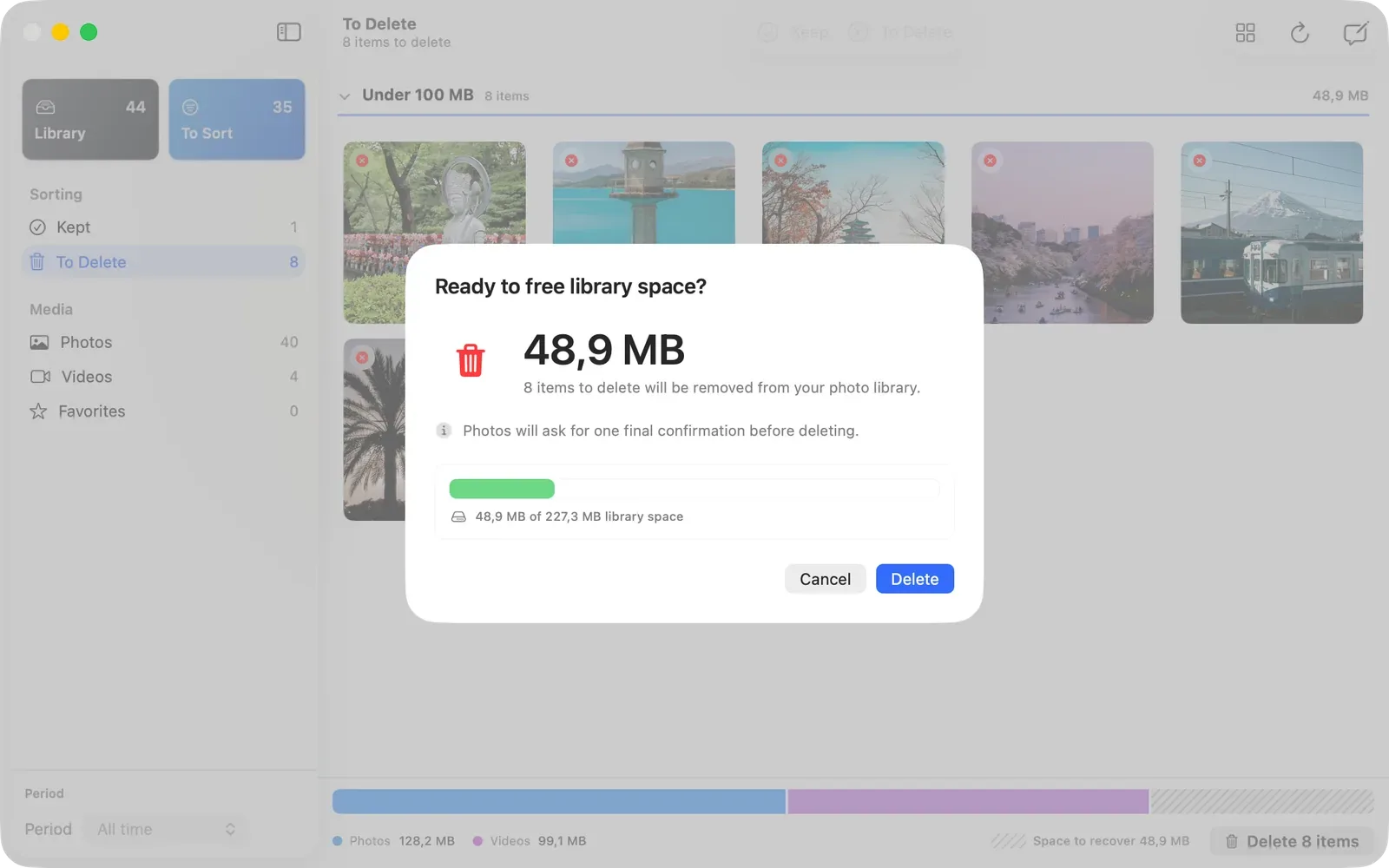
Free up storage or work through a large Apple Photos library. Both start with a deliberate keep-or-delete queue.
Sort by size, bring large videos and photos to the top, then decide what is worth deleting.
Read the storage guide Turn thousands of photos and videos into a finite queue. Keep an item or mark it for deletion, then move on.
See the review workflow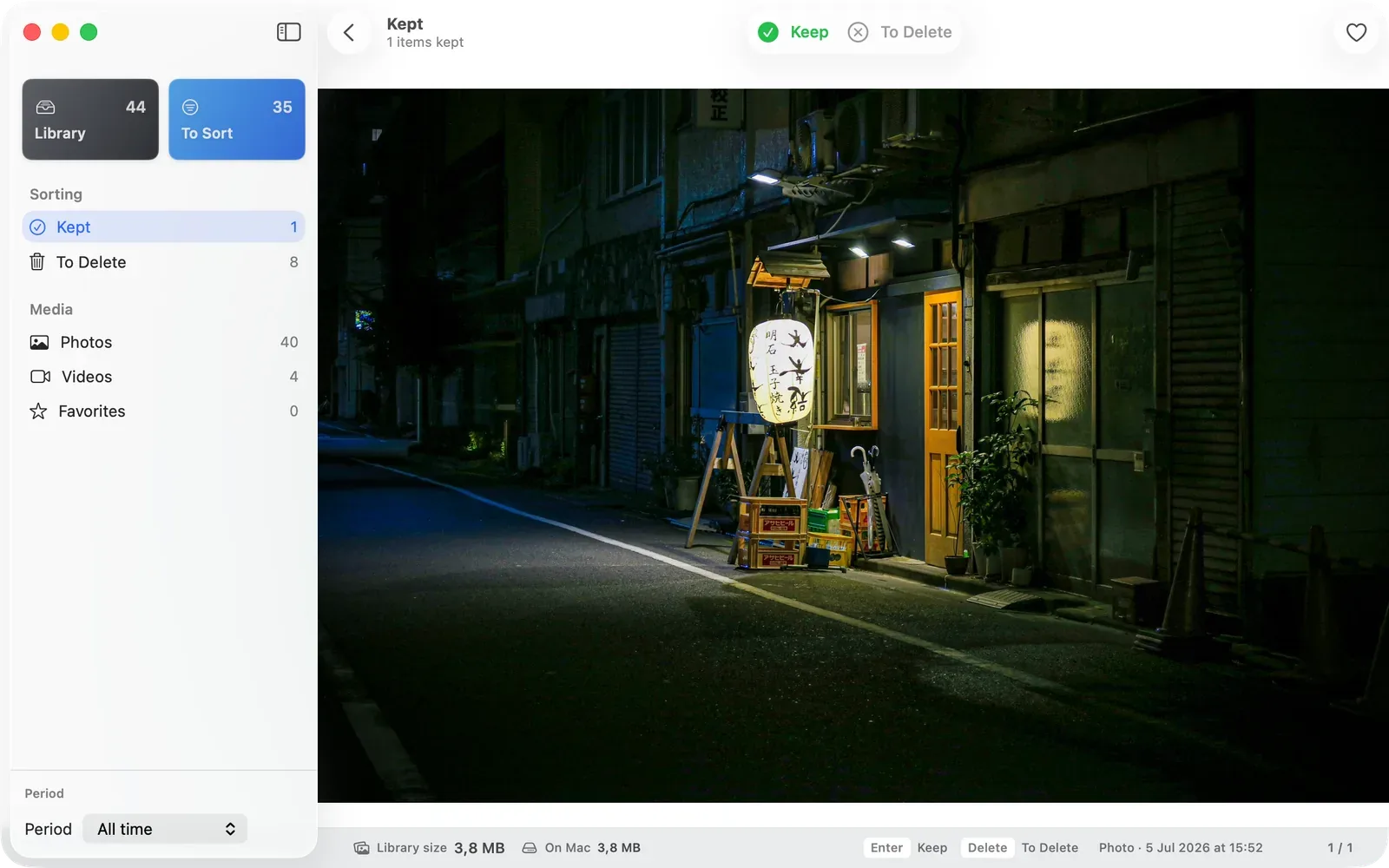
Try LightRoll for free, then unlock unlimited reviews with a one-time purchase. No subscription or LightRoll account required. See pricing details.